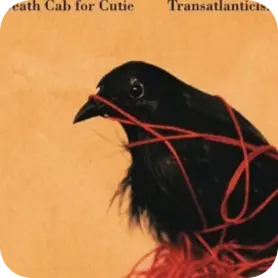
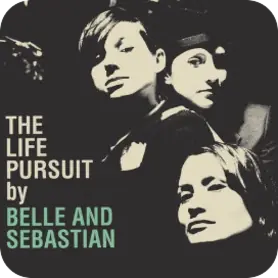
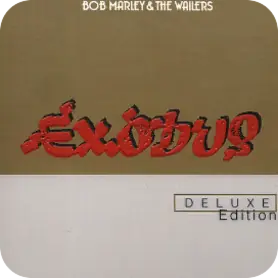
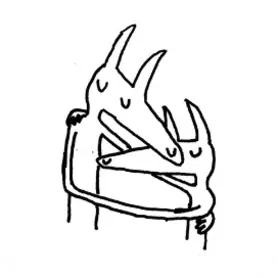
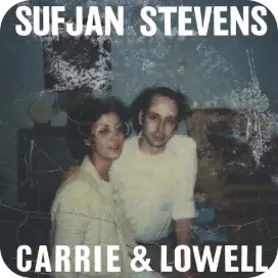


“Shuffle Death Cab for Cutie in Heart Beats”
“Surprise me in Heart Beats”
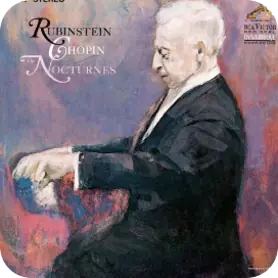
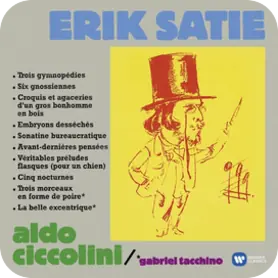
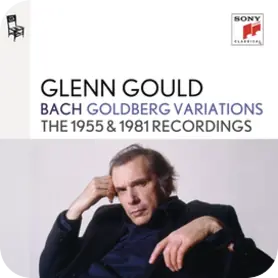
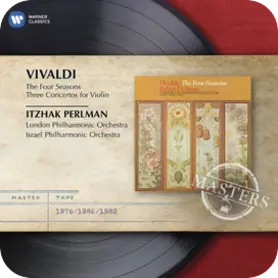
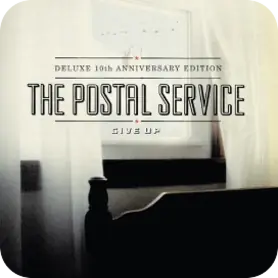
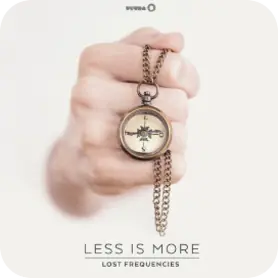
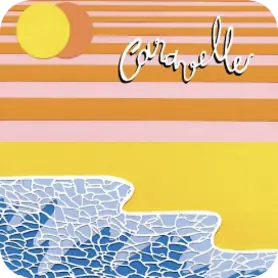
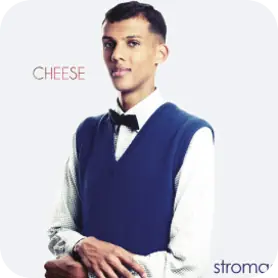
Heart Beats turns the songs you’ve favorited or rated 5 stars in Apple Music into playlists by artist, genre or year. Tap a cover to shuffle.
Free for iPhone, iPad and Mac.
No accounts, no tracking.
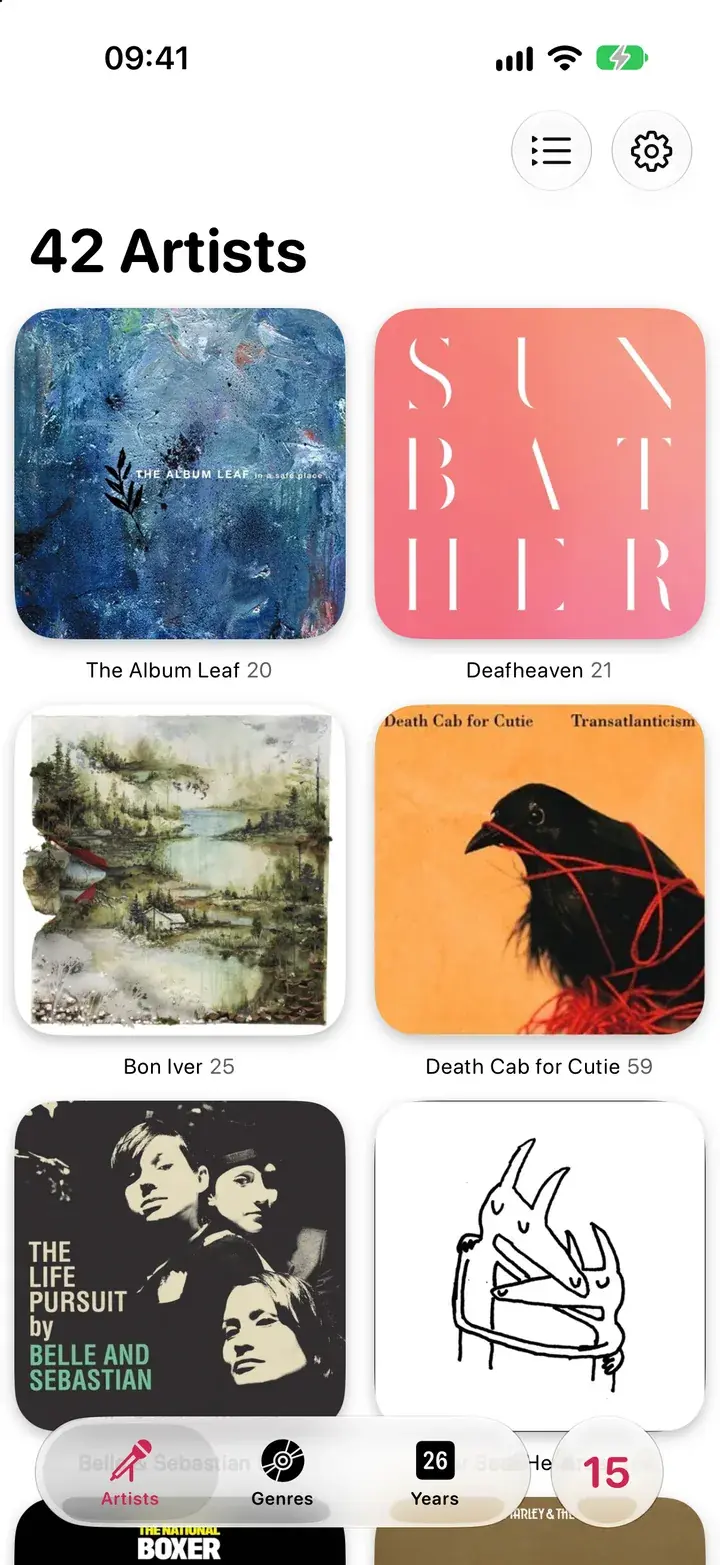
Artists
Every artist with enough favorites gets a playlist. Raise the minimum to keep only the biggest.
Genres
Your favorites grouped by the genres in your library, so you can shuffle all your indie folk in one tap.
Years in Review
The songs you played most in each year, as a collage of its biggest albums. Tap 2023 and you’re right back in it.
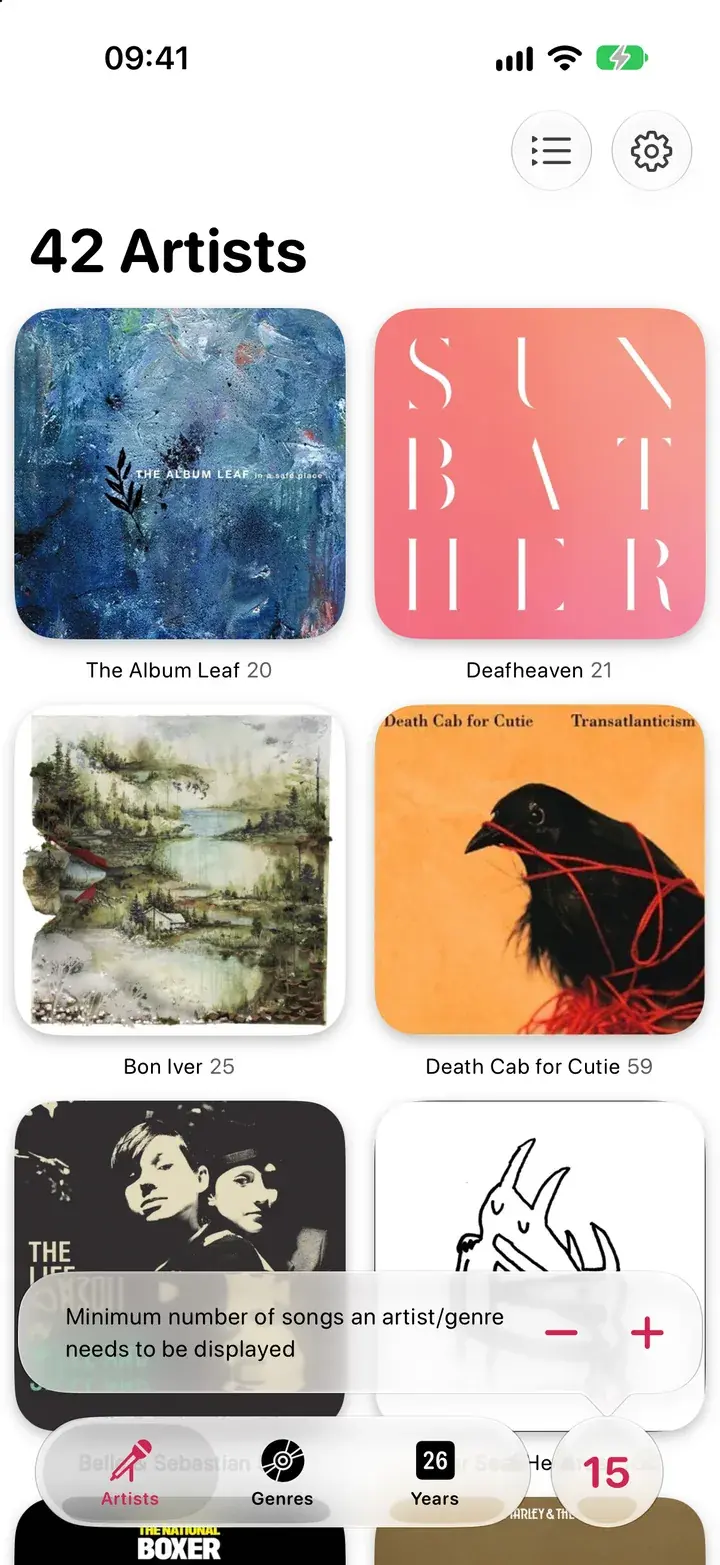
Find more to love
New to favoriting? A Getting Started card shows you how, and Heart Beats can favorite your most played songs in one go.
“Shuffle Death Cab for Cutie in Heart Beats”
“Surprise me in Heart Beats”
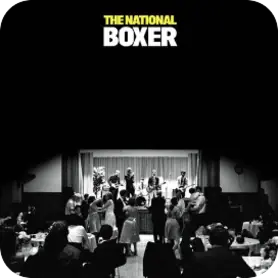 The National
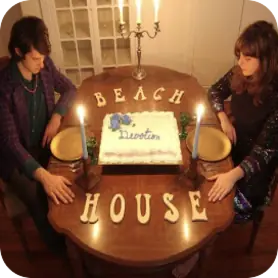 Beach House
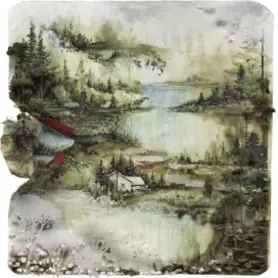 Bon Iver
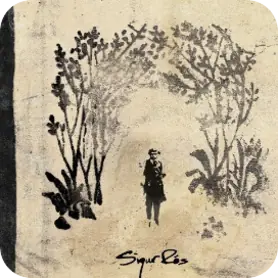 Sigur Rós
Your top artists, genres or years. One tap shuffles.
Songs you’ve favorited in Apple Music (the heart) and songs you’ve rated 5 stars. Heart Beats needs at least 100 to get going; under that, a Getting Started card shows you where to find more.
No. Heart Beats is free, with no ads and no in-app purchases.
Nothing: no account, no analytics. The one exception is a song you favorite in Heart Beats, which goes straight to your Apple Music account. Privacy policy
iPhone, iPad and Mac. Version 2.0 is built for iOS 27 and requires it.
Album art is shown to illustrate the app and belongs to its respective artists and labels. Apple, Apple Music, iPhone, iPad, Mac and App Store are trademarks of Apple Inc.